アプリにデータを保存したい。でもSQLiteを直接扱うのは面倒…。
そんな悩みを解決してくれるのが「Room」です。
RoomはGoogleが提供するJetpackライブラリの一つで、SQLiteをラップして、より簡単にデータベースを扱えるようにしてくれます。
この記事では、Roomの基本から実践的な使い方まで、初心者にもわかりやすく解説します。
Roomとは
RoomはAndroid Jetpackの一部で、SQLiteデータベースの抽象化レイヤーを提供するライブラリです。
従来のSQLiteの問題点
// ❌ 従来のSQLite:ボイラープレートが多い
class DatabaseHelper(context: Context) : SQLiteOpenHelper(context, "app.db", null, 1) {

    override fun onCreate(db: SQLiteDatabase) {
        db.execSQL("""
            CREATE TABLE users (
                id INTEGER PRIMARY KEY AUTOINCREMENT,
                name TEXT NOT NULL,
                email TEXT NOT NULL
            )
        """)
    }

    override fun onUpgrade(db: SQLiteDatabase, oldVersion: Int, newVersion: Int) {
        db.execSQL("DROP TABLE IF EXISTS users")
        onCreate(db)
    }

    fun insertUser(name: String, email: String): Long {
        val db = writableDatabase
        val values = ContentValues().apply {
            put("name", name)
            put("email", email)
        }
        return db.insert("users", null, values)
    }

    fun getAllUsers(): List<User> {
        val db = readableDatabase
        val cursor = db.query("users", null, null, null, null, null, null)
        val users = mutableListOf<User>()

        while (cursor.moveToNext()) {
            users.add(User(
                id = cursor.getLong(cursor.getColumnIndexOrThrow("id")),
                name = cursor.getString(cursor.getColumnIndexOrThrow("name")),
                email = cursor.getString(cursor.getColumnIndexOrThrow("email"))
            ))
        }
        cursor.close()
        return users
    }
}
コードが長く、型安全でもありません。
Roomならシンプル
// ✅ Room:アノテーションでシンプルに
@Entity
data class User(
    @PrimaryKey(autoGenerate = true) val id: Long = 0,
    val name: String,
    val email: String
)

@Dao
interface UserDao {
    @Insert
    suspend fun insert(user: User)

    @Query("SELECT * FROM User")
    suspend fun getAll(): List<User>
}
コード量が大幅に減り、型安全になりました。
Roomの3つのコンポーネント
| コンポーネント | 役割 |
|---|---|
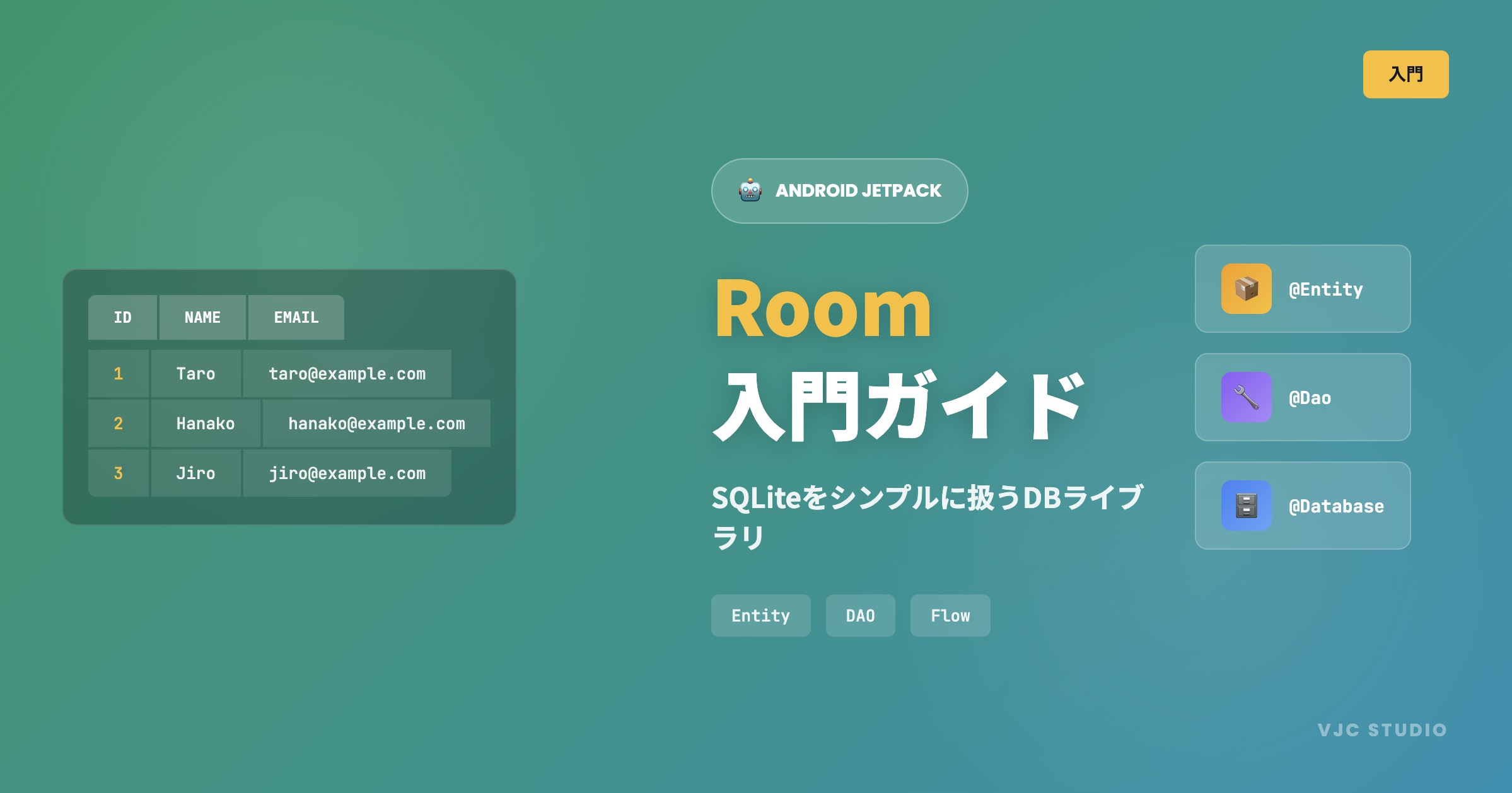
| Entity | テーブルを定義するデータクラス |
| DAO | データアクセスメソッドを定義するインターフェース |
| Database | データベース本体を定義する抽象クラス |
それぞれ詳しく見ていきましょう。
1. Entity(エンティティ)
Entityはデータベースのテーブルを表すデータクラスです。
基本的なEntity
@Entity
data class User(
    @PrimaryKey(autoGenerate = true)
    val id: Long = 0,
    val name: String,
    val email: String
)
これだけで、以下のテーブルが作成されます:
CREATE TABLE User (
    id INTEGER PRIMARY KEY AUTOINCREMENT,
    name TEXT NOT NULL,
    email TEXT NOT NULL
)
テーブル名・カラム名をカスタマイズ
@Entity(tableName = "users")  // テーブル名を指定
data class User(
    @PrimaryKey(autoGenerate = true)
    @ColumnInfo(name = "user_id")  // カラム名を指定
    val id: Long = 0,

    @ColumnInfo(name = "user_name")
    val name: String,

    val email: String  // カラム名はそのまま "email"
)
NULLを許可する
@Entity
data class User(
    @PrimaryKey(autoGenerate = true)
    val id: Long = 0,
    val name: String,
    val email: String?,  // Nullableにするとカラムもnull許可
    val age: Int? = null
)
インデックスを追加
@Entity(
    indices = [
        Index(value = ["email"], unique = true),  // ユニークインデックス
        Index(value = ["name"])  // 通常のインデックス
    ]
)
data class User(
    @PrimaryKey(autoGenerate = true)
    val id: Long = 0,
    val name: String,
    val email: String
)
複合主キー
@Entity(primaryKeys = ["firstName", "lastName"])
data class User(
    val firstName: String,
    val lastName: String,
    val email: String
)
2. DAO(Data Access Object)
DAOはデータベース操作を定義するインターフェースです。
基本的なCRUD操作
@Dao
interface UserDao {

    // INSERT
    @Insert
    suspend fun insert(user: User)

    @Insert
    suspend fun insertAll(users: List<User>)

    // UPDATE
    @Update
    suspend fun update(user: User)

    // DELETE
    @Delete
    suspend fun delete(user: User)

    // SELECT(全件取得)
    @Query("SELECT * FROM User")
    suspend fun getAll(): List<User>

    // SELECT(条件付き)
    @Query("SELECT * FROM User WHERE id = :userId")
    suspend fun findById(userId: Long): User?

    // SELECT(複数条件)
    @Query("SELECT * FROM User WHERE name LIKE :name AND age > :minAge")
    suspend fun findByNameAndAge(name: String, minAge: Int): List<User>

    // DELETE(全件削除)
    @Query("DELETE FROM User")
    suspend fun deleteAll()

    // COUNT
    @Query("SELECT COUNT(*) FROM User")
    suspend fun getCount(): Int
}
Insert時のコンフリクト処理
@Dao
interface UserDao {

    // 既存データがあれば置き換え
    @Insert(onConflict = OnConflictStrategy.REPLACE)
    suspend fun insertOrReplace(user: User)

    // 既存データがあれば無視
    @Insert(onConflict = OnConflictStrategy.IGNORE)
    suspend fun insertOrIgnore(user: User)

    // 既存データがあれば例外(デフォルト)
    @Insert(onConflict = OnConflictStrategy.ABORT)
    suspend fun insert(user: User)
}
Flowでリアルタイム監視
@Dao
interface UserDao {

    // データが更新されると自動で通知される
    @Query("SELECT * FROM User")
    fun observeAll(): Flow<List<User>>

    @Query("SELECT * FROM User WHERE id = :userId")
    fun observeById(userId: Long): Flow<User?>
}
ViewModelでの使用例:
class UserViewModel(private val userDao: UserDao) : ViewModel() {

    // Flowを収集してUIに反映
    val users: StateFlow<List<User>> = userDao.observeAll()
        .stateIn(
            scope = viewModelScope,
            started = SharingStarted.WhileSubscribed(5000),
            initialValue = emptyList()
        )
}
トランザクション
@Dao
interface UserDao {

    @Insert
    suspend fun insert(user: User)

    @Query("DELETE FROM User")
    suspend fun deleteAll()

    // 複数の操作をトランザクションで実行
    @Transaction
    suspend fun replaceAll(users: List<User>) {
        deleteAll()
        users.forEach { insert(it) }
    }
}
3. Database(データベース)
Databaseはデータベース本体を定義する抽象クラスです。
基本的なDatabase定義
@Database(
    entities = [User::class],  // Entityクラスを指定
    version = 1                 // データベースバージョン
)
abstract class AppDatabase : RoomDatabase() {
    abstract fun userDao(): UserDao  // DAOを取得するメソッド
}
シングルトンで提供
@Database(entities = [User::class], version = 1)
abstract class AppDatabase : RoomDatabase() {
    abstract fun userDao(): UserDao

    companion object {
        @Volatile
        private var INSTANCE: AppDatabase? = null

        fun getInstance(context: Context): AppDatabase {
            return INSTANCE ?: synchronized(this) {
                val instance = Room.databaseBuilder(
                    context.applicationContext,
                    AppDatabase::class.java,
                    "app_database"  // データベースファイル名
                ).build()
                INSTANCE = instance
                instance
            }
        }
    }
}
複数のEntityを持つDatabase
@Database(
    entities = [
        User::class,
        Post::class,
        Comment::class
    ],
    version = 1
)
abstract class AppDatabase : RoomDatabase() {
    abstract fun userDao(): UserDao
    abstract fun postDao(): PostDao
    abstract fun commentDao(): CommentDao
}
実践:Todoアプリを作る
実際にTodoアプリのデータ層を実装してみましょう。
1. Entity
@Entity(tableName = "todos")
data class Todo(
    @PrimaryKey(autoGenerate = true)
    val id: Long = 0,
    val title: String,
    val description: String? = null,
    val isCompleted: Boolean = false,
    val createdAt: Long = System.currentTimeMillis()
)
2. DAO
@Dao
interface TodoDao {

    @Query("SELECT * FROM todos ORDER BY createdAt DESC")
    fun observeAll(): Flow<List<Todo>>

    @Query("SELECT * FROM todos WHERE isCompleted = 0 ORDER BY createdAt DESC")
    fun observeIncomplete(): Flow<List<Todo>>

    @Query("SELECT * FROM todos WHERE id = :id")
    suspend fun findById(id: Long): Todo?

    @Insert
    suspend fun insert(todo: Todo): Long

    @Update
    suspend fun update(todo: Todo)

    @Delete
    suspend fun delete(todo: Todo)

    @Query("UPDATE todos SET isCompleted = :isCompleted WHERE id = :id")
    suspend fun updateCompletion(id: Long, isCompleted: Boolean)

    @Query("DELETE FROM todos WHERE isCompleted = 1")
    suspend fun deleteCompleted()
}
3. Database
@Database(entities = [Todo::class], version = 1)
abstract class TodoDatabase : RoomDatabase() {
    abstract fun todoDao(): TodoDao

    companion object {
        @Volatile
        private var INSTANCE: TodoDatabase? = null

        fun getInstance(context: Context): TodoDatabase {
            return INSTANCE ?: synchronized(this) {
                Room.databaseBuilder(
                    context.applicationContext,
                    TodoDatabase::class.java,
                    "todo_database"
                ).build().also { INSTANCE = it }
            }
        }
    }
}
4. Repository
class TodoRepository(private val todoDao: TodoDao) {

    val allTodos: Flow<List<Todo>> = todoDao.observeAll()

    val incompleteTodos: Flow<List<Todo>> = todoDao.observeIncomplete()

    suspend fun addTodo(title: String, description: String? = null): Long {
        val todo = Todo(title = title, description = description)
        return todoDao.insert(todo)
    }

    suspend fun toggleCompletion(todo: Todo) {
        todoDao.updateCompletion(todo.id, !todo.isCompleted)
    }

    suspend fun deleteTodo(todo: Todo) {
        todoDao.delete(todo)
    }

    suspend fun clearCompleted() {
        todoDao.deleteCompleted()
    }
}
5. ViewModel
class TodoViewModel(private val repository: TodoRepository) : ViewModel() {

    val todos: StateFlow<List<Todo>> = repository.allTodos
        .stateIn(
            scope = viewModelScope,
            started = SharingStarted.WhileSubscribed(5000),
            initialValue = emptyList()
        )

    fun addTodo(title: String) {
        viewModelScope.launch {
            repository.addTodo(title)
        }
    }

    fun toggleCompletion(todo: Todo) {
        viewModelScope.launch {
            repository.toggleCompletion(todo)
        }
    }

    fun deleteTodo(todo: Todo) {
        viewModelScope.launch {
            repository.deleteTodo(todo)
        }
    }
}
マイグレーション(スキーマ変更)
アプリをアップデートしてテーブル構造を変更する場合、マイグレーションが必要です。
カラムを追加する例
// Version 1
@Entity
data class User(
    @PrimaryKey val id: Long,
    val name: String
)

// Version 2: ageカラムを追加
@Entity
data class User(
    @PrimaryKey val id: Long,
    val name: String,
    val age: Int? = null  // 新しいカラム
)
// マイグレーションを定義
val MIGRATION_1_2 = object : Migration(1, 2) {
    override fun migrate(database: SupportSQLiteDatabase) {
        database.execSQL("ALTER TABLE User ADD COLUMN age INTEGER")
    }
}

// Databaseに適用
Room.databaseBuilder(context, AppDatabase::class.java, "app.db")
    .addMigrations(MIGRATION_1_2)
    .build()
開発中はfallbackToDestructiveMigration
開発中はマイグレーションを書くのが面倒なので、データを消して再作成することもできます。
Room.databaseBuilder(context, AppDatabase::class.java, "app.db")
    .fallbackToDestructiveMigration()  // マイグレーション失敗時にDBを再作成
    .build()
⚠️ 本番環境では使わないでください! ユーザーのデータが消えます。
TypeConverter(カスタム型の保存)
RoomはプリミティブとString以外の型を直接保存できません。DateやListを保存するにはTypeConverterを使います。
Dateを保存する
class Converters {
    @TypeConverter
    fun fromTimestamp(value: Long?): Date? {
        return value?.let { Date(it) }
    }

    @TypeConverter
    fun dateToTimestamp(date: Date?): Long? {
        return date?.time
    }
}

@Database(entities = [User::class], version = 1)
@TypeConverters(Converters::class)  // Converterを登録
abstract class AppDatabase : RoomDatabase() {
    abstract fun userDao(): UserDao
}
Listを保存する(JSON変換)
class Converters {
    private val gson = Gson()

    @TypeConverter
    fun fromStringList(value: List<String>?): String? {
        return value?.let { gson.toJson(it) }
    }

    @TypeConverter
    fun toStringList(value: String?): List<String>? {
        return value?.let {
            gson.fromJson(it, object : TypeToken<List<String>>() {}.type)
        }
    }
}
Roomを使うための設定
build.gradle.kts
plugins {
    id("com.google.devtools.ksp") version "1.9.0-1.0.13"  // KSPを追加
}

dependencies {
    val roomVersion = "2.6.1"

    implementation("androidx.room:room-runtime:$roomVersion")
    implementation("androidx.room:room-ktx:$roomVersion")  // Coroutines対応
    ksp("androidx.room:room-compiler:$roomVersion")  // KSPでコード生成
}
build.gradle(Groovy)
plugins {
    id 'com.google.devtools.ksp' version '1.9.0-1.0.13'
}

dependencies {
    def room_version = "2.6.1"

    implementation "androidx.room:room-runtime:$room_version"
    implementation "androidx.room:room-ktx:$room_version"
    ksp "androidx.room:room-compiler:$room_version"
}
まとめ
Roomの基本をまとめると:
| コンポーネント | 役割 | アノテーション |
|---|---|---|
| Entity | テーブル定義 | @Entity, @PrimaryKey |
| DAO | データアクセス | @Dao, @Query, @Insert, @Update, @Delete |
| Database | DB本体 | @Database |
基本パターン
// 1. Entity
@Entity
data class User(
    @PrimaryKey(autoGenerate = true) val id: Long = 0,
    val name: String
)

// 2. DAO
@Dao
interface UserDao {
    @Query("SELECT * FROM User")
    fun observeAll(): Flow<List<User>>

    @Insert
    suspend fun insert(user: User)
}

// 3. Database
@Database(entities = [User::class], version = 1)
abstract class AppDatabase : RoomDatabase() {
    abstract fun userDao(): UserDao
}
Roomを使えば、SQLiteの煩雑な処理から解放され、型安全でメンテナンスしやすいコードが書けます。
ぜひ実際のプロジェクトで使ってみてください!
次回は「Flow入門」として、CoroutinesのFlowを使ったリアクティブプログラミングについて解説する予定です。